The Road Ahead For Battlefield 1: Expansions And Celebrations
0
We hope you enjoyed the latest Battlefest and that you have discovered the Eastern Front in the extensive Battlefield 1 In the Name of the Tsar expansion.
There is plenty more coming for Battlefield 1. On the horizon is our third expansion, in-game events, updates, and even more celebrations. Read on and learn about the road ahead.
Prepare for Battlefield 1 Turning Tides
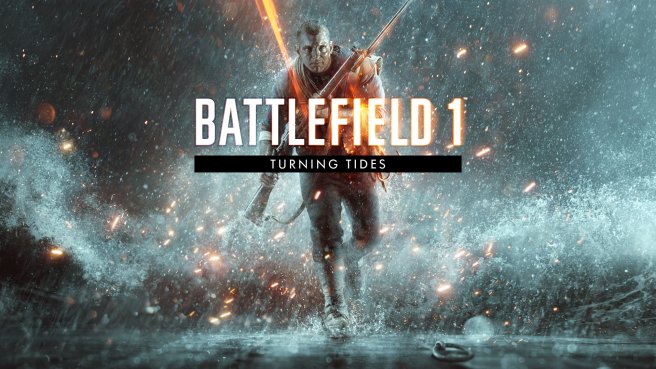
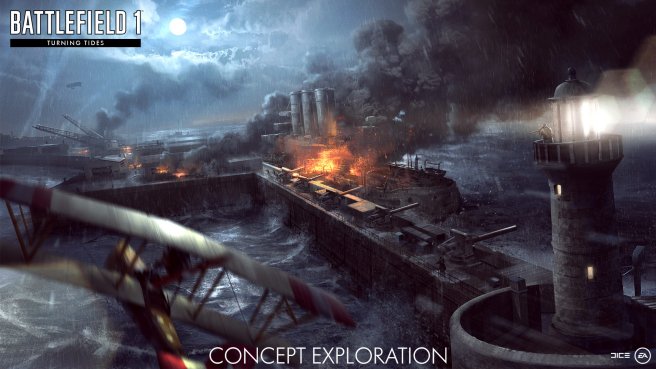
In December, you will be able to conquer the sea, air, and land in Battlefield 1 Turning Tides, the third Battlefield 1 expansion. With a focus on naval warfare, you’ll engage in the daredevil Zeebrugge Raid and the Gallipoli Offensive, with the British Royal Marines as a new playable faction. Prepare for new maps, weapons, vehicles and other content as you take on the amphibious expeditions of World War 1.
Learn more about Battlefield 1 Turning Tides and the other expansions
Battlefield Anniversary Events
Though our eyes are on the road ahead, it will soon be time to look back at the origin of Battlefield. Not only is Battlefield 1 approaching its one-year anniversary – the entire Battlefield franchise turns 15 this year. We want to celebrate together with the community.
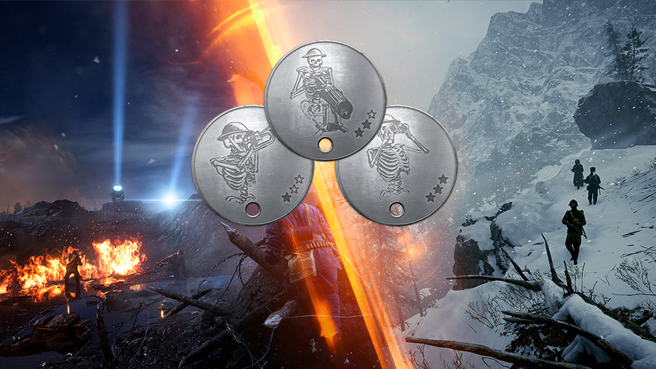
Log in to Battlefield 1 between October 12 and October 16 for Battlefield 1 Year Anniversary events and giveaways. Make sure to unlock the Anniversary Dog Tags and wear them with pride.

Operation Campaigns Coming in November
In early November, we’ll be adding an even more epic variant of the fan-favorite game mode Operations. Dubbed Operation Campaigns, the new experience will expand on the frontline clashes between attackers and defenders, stringing together multiple Operations and adding unique rewards to the mix.
The first Operation Campaign is called Eastern Storm. This experience combines the two Operations from Battlefield 1 In the Name of the Tsar: Brusilov Offensive and Red Tide. Eastern Storm will be available for owners of Battlefield 1 Premium Pass (or the standalone Battlefield 1 In the Name of the Tsar expansion.)
Later in November, we’ll add Fall of Empires, a combination of the base game’s Iron Walls and Conquer Hell. Beyond these two, there are more Campaigns to come.
Complete the active Operation Campaign by scoring enough points before it expires. You will earn a special Battlepack for each completed Campaign. An Operation Campaigns Codex will also be yours after your first successful Campaign. Complete the active Campaign as many times as you can before the time runs out!
For the sharp-shooters out there, you may have noticed that we bumped the release of Operation Campaigns from October to November. We wanted to give it a little bit more time to make sure that it’s a great experience. We appreciate your patience.
Various Fixes in the October Update
Continuing our monthly Battlefield 1 updates, we will very soon release the October Update. Expect various improvements to gameplay, new Dog Tags, and new gameplay settings.
All updates are detailed on the Update Page
Thank you for reading and joining us in the road ahead. A special thanks to all of you who have joined us in the first year of Battlefield 1 – here’s to another year of great Battlefield moments!
Revolution is coming. To let you get warmed up, we’ve prepared the Battlefield 1 Summer Missions. These missions are part of a chained series of challenges where we urge you to PTFO and be a team player.
Each mission comes with its own amazing Dog Tag reward and a Squad XP Boost for those who complete it. Succeed in all three and there’s an exclusive melee weapon in it for you: the LVC Arditi Knife. You can also expect another reward that we’re keeping secret for now…
The first Summer Mission is dubbed the Call to Action Mission. Here, your objective is to play, complete, and win three full matches of Operations. This mission is active between July 15 and July 23.
If you complete the mission in time, you’ll get the Call to Action Dog Tag (rewarded on July 31) and a Squad XP Boost (login between July 23 and July 30 to receive this.)
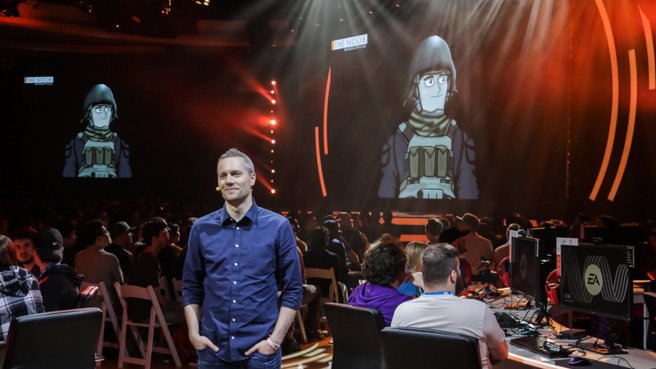
Thanks for joining us in L.A. for EA PLAY! It was a true pleasure to connect with you, the Battlefield™ 1 community, both in person and through our announcements. We showed you more of Battlefield 1 In the Name of the Tsar, the next expansion pack coming in September, and let you go hands on with Nivelle Nights, the first of two night maps.
Now, we’d like to thank you. Not only do you supply helpful feedback that enables us to continue to improve Battlefield 1. Your passion and devotion inspires us to keep perfecting our game.
As the video above demonstrates, the Battlefield 1 community excels at capturing those crazy gameplay moments and showing off outlandish skills. Equally important is the comradery and support you give each other – and the team at DICE. It’s quite the thing to see.
A Revolution is Coming to Battlefield 1: Learn about all the upcoming content
Thanks for your dedication, feedback, and awesome content you share daily. The battlefield would be empty without it.
Andrew Gulotta, Battlefield 1 Producer
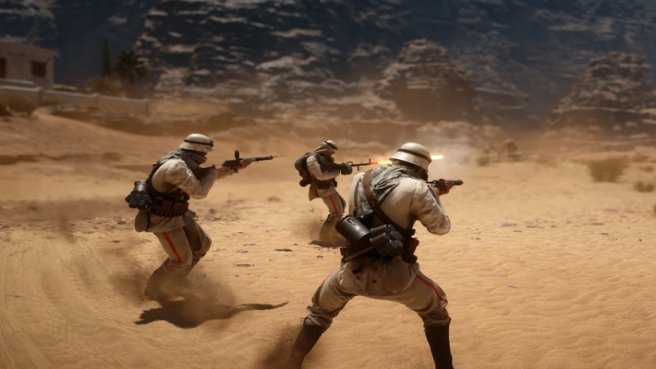
Get ready to team up. Today we are introducing the first wave of Platoons features for Battlefield 1. It’s something a lot of you have been asking for, and that we are very happy to finally release. Our focus in this initial release is to add some of the core and most essential Platoons features, such as the Platoon Tag, while building a robust system that we can continue to expand and improve going forward.
Below is an overview of what’s available in this initial release:
Create & Manage – Any player can create a Platoon; you are however limited to one General role, the highest rank and the rank a Platoon creator starts with, at any one time. When creating a Platoon, you can add the following info:
It’s always possible to change any of these values or settings at any time, as long as the Platoon member has permission to modify it.
Besides having the tag and emblem, if you fill up a squad with other players that represent the same Platoon, the squad will automatically be renamed to the Platoon’s name. Furthermore, if your represented Platoon contributed the most to a Flag Capture (with at least two members present), a pennant carrying your Platoon emblem will be shown on the flag pole. More bragging rights for you.
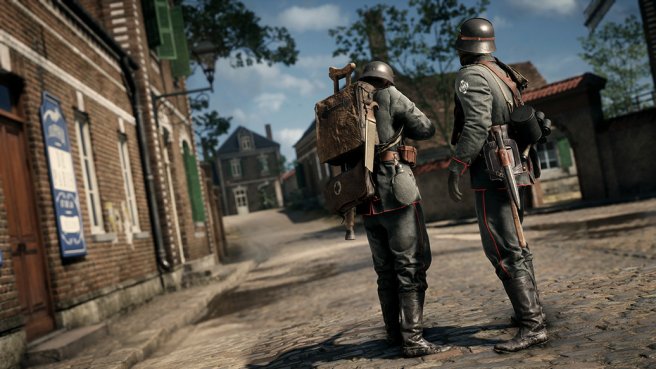
We currently employ limitations of 100 members per Platoon – if your group is more than 100 people, we suggest you create more Platoons with the same name, tag, emblem and description – and you can at max be a member of 10 Platoons. This includes pending applications; if you are a member of 8 Platoons and have 2 Platoons with pending applications to join, you will not be able to join or apply for any other Platoon unless you leave a Platoon or cancel an application. Increasing these limits are something we will consider going forward.
One of our primary focus areas has also been to more easily facilitate playing together in groups, so we’ve added the ability to always see where your Platoon is playing and join them.
It’s never been a more exciting time to be playing Battlefield™ 1. We’re thrilled with your overwhelmingly positive feedback on Battlefield 1 They Shall Not Pass. A lot of hard work has gone into it, so we’re glad that you love it just as much as we do. And we’re just getting started!
Here’s a quick look at the road ahead.
Monthly Battlefield 1 Updates
We’re devoted to bringing you the best gaming experience in Battlefield 1. In the past, we did this in the form of seasonal patches. Considering all we have in store for Battlefield 1, we’ve decided to move to monthly updates. With this new tempo, we’re going to bring you more of what you want, faster than ever.
Turning your feedback into battle-tested improvements that everyone will love is important to us. We’ll utilize the Community Test Environment to iterate on your ideas and find the best ways to make our favorite game even better.
Introducing Platoons
Speaking of updates, the Spring Update is coming soon. It’ll bring one of the most highly anticipated features: Platoons. Finally, you’ll be able to organize and join forces with your friends, execute swift victories, and achieve goals as one unit. Stay tuned for more info on Platoons and the Spring Update release.
In-Game Improvements and Tweaks to Operations
Planning for our next releases, we’ve heard you loud and clear. We still have some work to do to make the game as frictionless as possible. We’re dedicating the May Update to revisions that will improve your quality of life in Battlefield 1.
This includes streamlining the flow into matches (especially Operations) and improving many gameplay grievances that will hopefully make the action feel more balanced and fair. The development team is also working on a feature update to the Battlefield 1 Rent-a-Server Program which we hope to release soon.
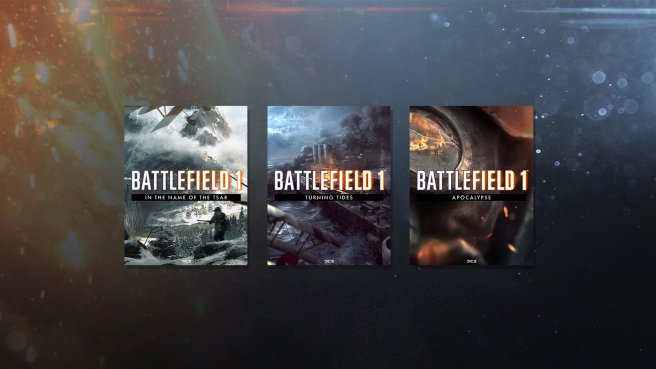
The New Battlefield 1 Expansions*
We can’t talk about the “road ahead” without mentioning the upcoming expansions. Each one is packed with new maps, weapons, vehicles, and game modes. We have so much more to share about the Great War!
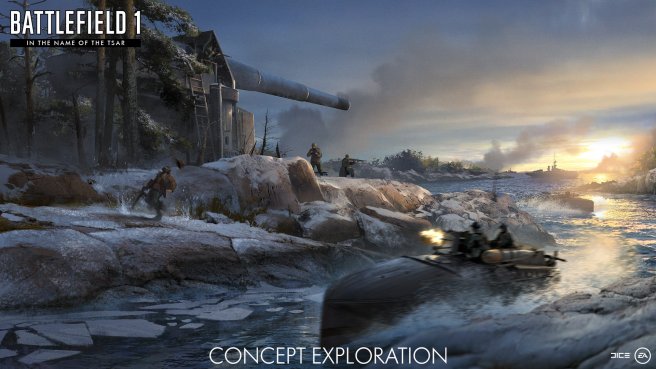
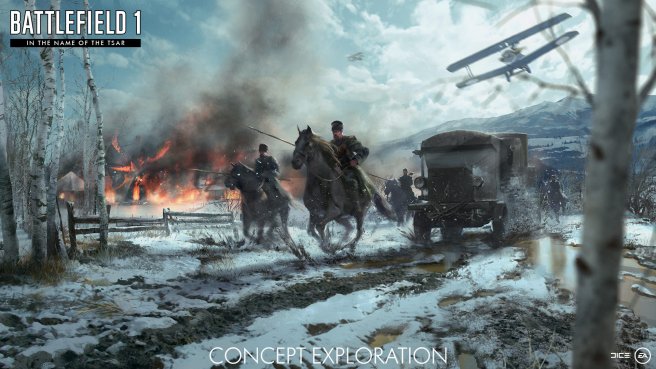
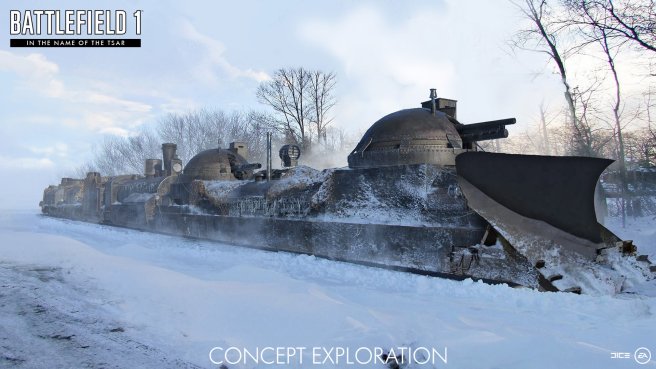
Battlefield 1 In The Name Of The Tsar will bring you to the Eastern Front, where you will fight alongside the Russian army and witness the brutality of combat and the bitter cold of the Russian winters, as seen in the concept exploration images in this post. Prepare yourself for all new tactics employed by the Russian army. Though the frost is cold, the steel is colder.
Thanks for reading – we hope you’re as excited for the road ahead as we are. Keep the feedback coming and we’ll see you on the battlefield.
Aleksander Grøndal, Battlefield 1 Executive Producer
Andrew Gulotta, Battlefield 1 Producer
*REQUIRES BATTLEFIELD 1 FOR APPLICABLE PLATFORM (SOLD SEPARATELY), ALL GAME UPDATE, EA ACCOUNT, AND INTERNET CONNECTION.


